
Your stage.
Every angle.
Design in 2D. Present in 3D.
Send a production-ready plan.
The native stage plot maker for Mac and Windows. From your first idea to the crew’s next cue.
Already bought on the website?Your plan, from above. Select 3D to bring it to life.
From first idea
to first soundcheck.
One document for your stage, inputs, monitor mixes and notes. Make the plan clear before the first case rolls in.
Place, rotate and label your equipment. Give everyone a place and every source a name.
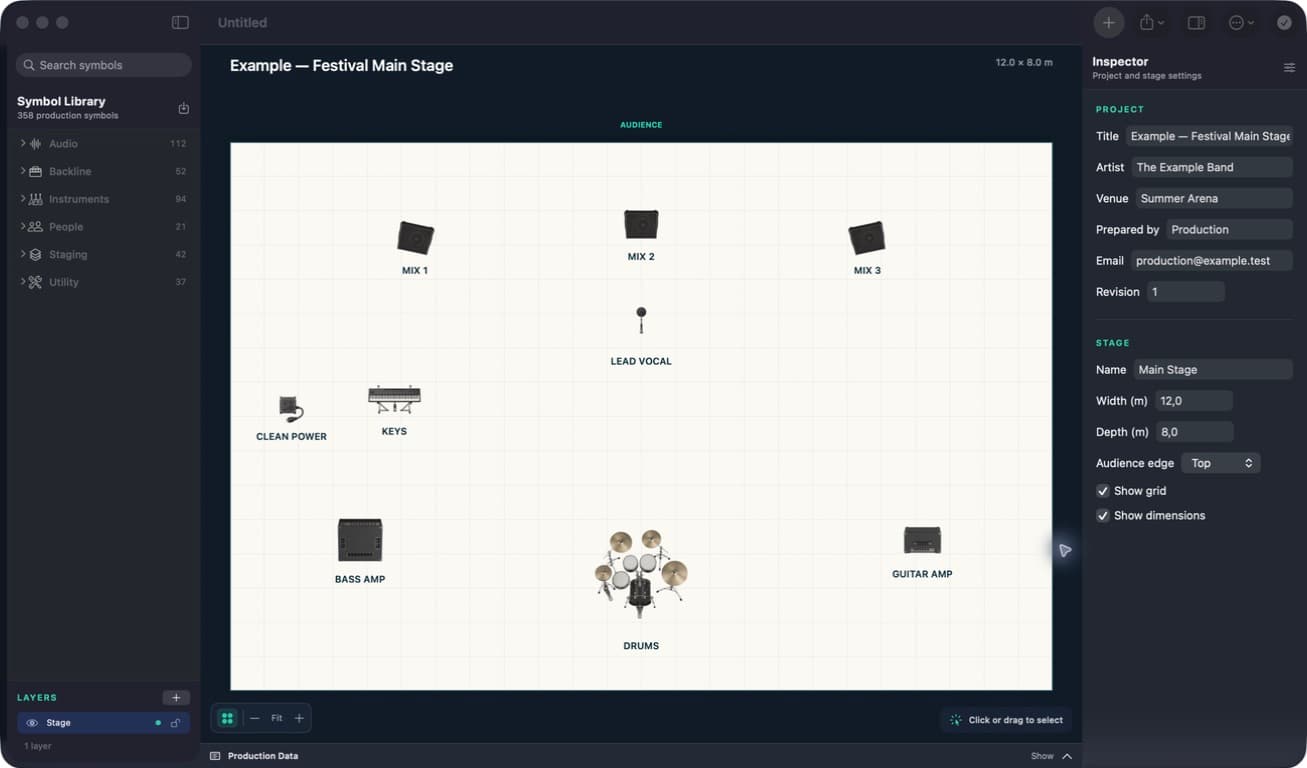
Every piece.
In its place.
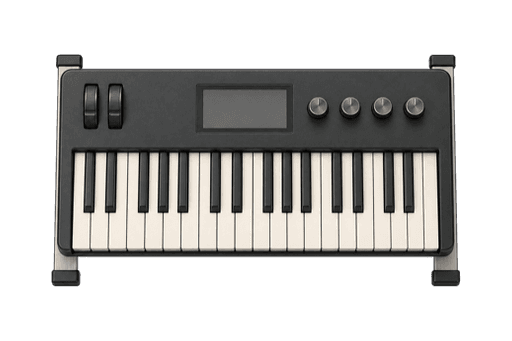
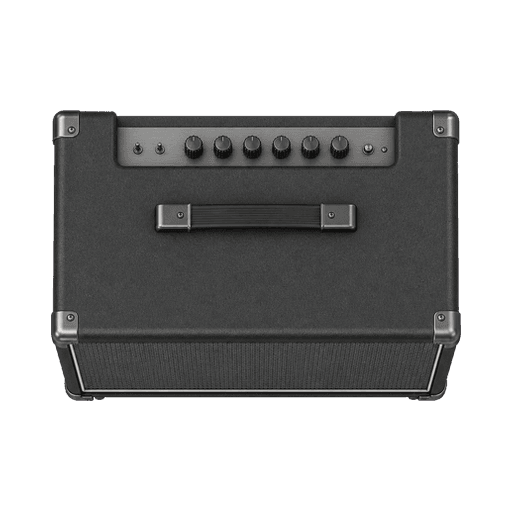
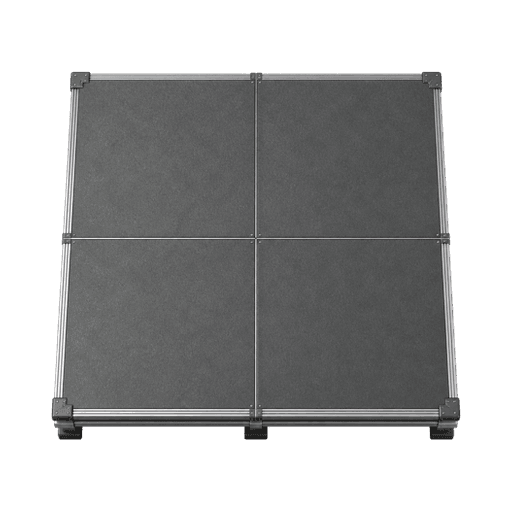
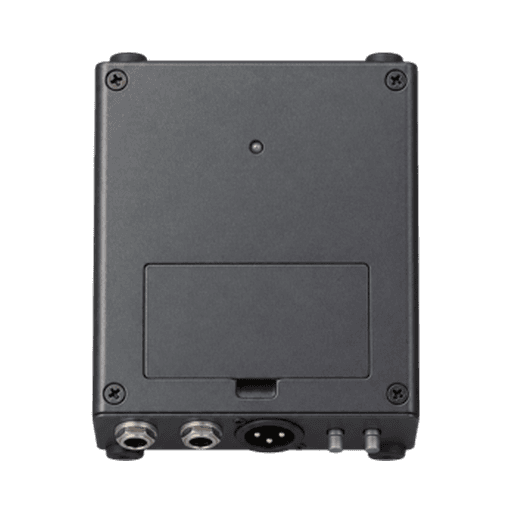
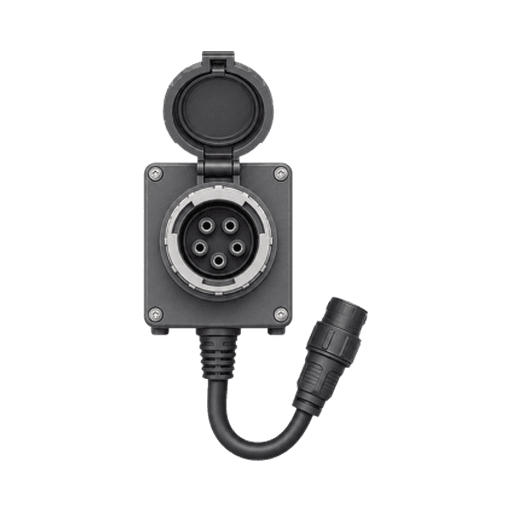
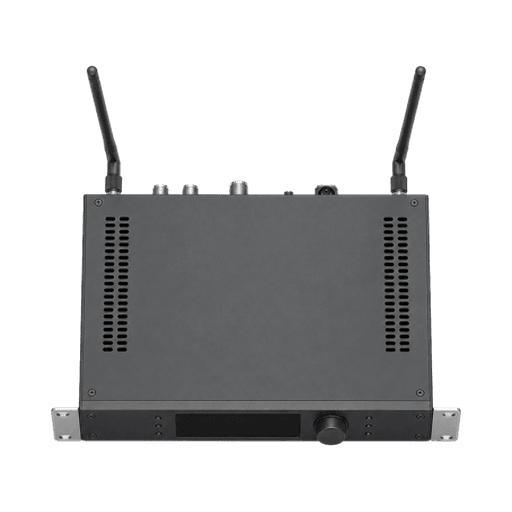
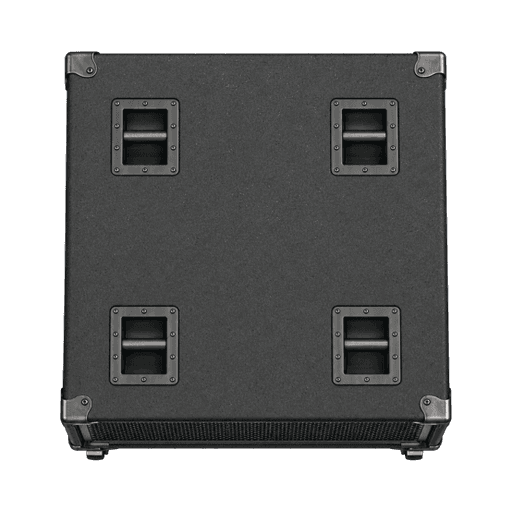
From the drum riser to the last DI. Build your stage with 376 production symbols, then make it your own.
- Instruments & backline
- Microphones & monitors
- People, staging & power
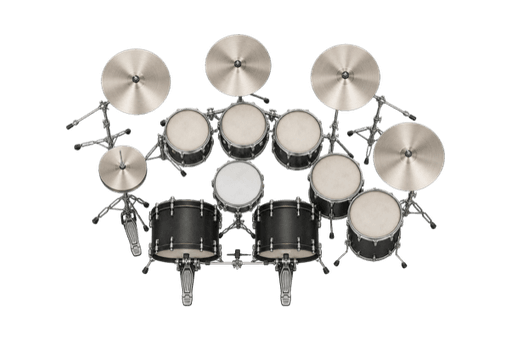
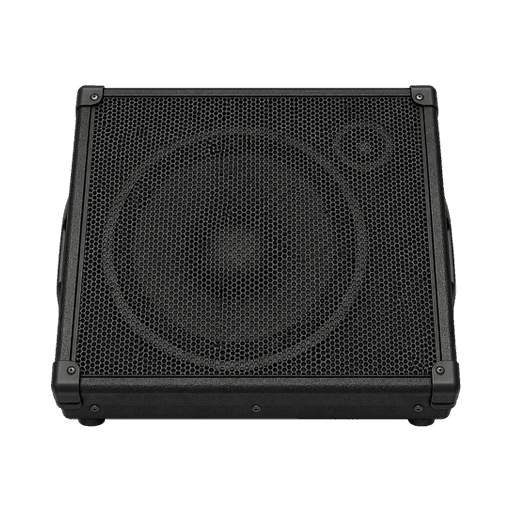
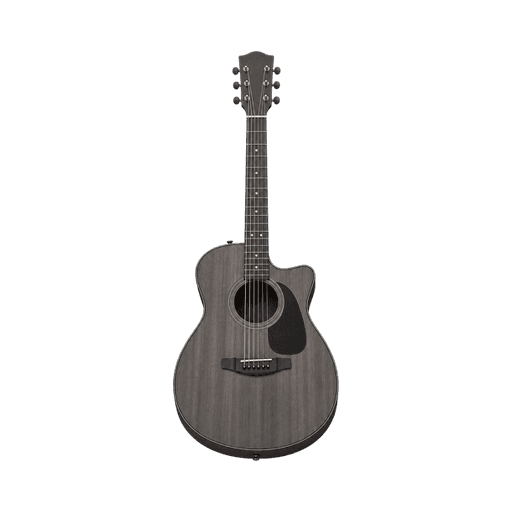


A head start.
For every stage.
Practical templates and guides for the work that happens before doors open.
All guidesReady for
the next
show?
Try every feature free for 14 days.
Then pay once. Keep creating.
Mac App Store
Free download. Activate your 14-day trial through Apple, then unlock Permanent Access with an in-app purchase. €29 in Portugal; prices vary by storefront.

Windows & direct Mac
€29 through Stripe. One Stage Plot Forge account covers these two editions. Your trial starts on first opening.
Windows & direct downloadApple and website purchases are separate. Already own a website licence?
Can I export my stage plot in 3D?
Yes. Open 3D View on Mac or Windows, rotate and zoom, then save the current view as a PNG or add a 3D presentation page to your PDF. Your 2D plan remains the technical reference. Equipment heights are illustrative defaults; this is not a rigging or clearance simulation.
What is a stage plot?
A stage plot is a visual map of performers, instruments, microphones, monitors, backline, and power on stage. It helps artists, venues, and production crews agree on the setup before load-in.
Is a stage plot the same as a stage plan?
Usually, yes. Stage plot is common in North America, while stage plan is frequently used in the UK and Europe. Both normally mean a top-down band layout; use the venue’s terminology and include the same clear production information.
Can I create a stage plot on Mac or Windows?
Yes. Get the Mac edition from the Mac App Store for Apple silicon and macOS 14 or later, or the Windows edition from Microsoft Store for 64-bit Windows 10 version 22H2 or Windows 11. Project files are portable between platforms. Apple purchases are separate from website and Windows licenses.
Does Stage Plot Forge work offline?
Yes. Day-to-day editing and export work locally once access is active. The Mac App Store edition needs your Apple Account and internet for trial activation, purchase and restoration. Direct Mac and Windows editions need internet for account, purchase and entitlement operations.
What can I export?
Export the stage plot as a vector and print-ready PDF, add the input list or all existing production data to the PDF, generate PNG or JPEG images, and export input and monitor lists as CSV.
Is Stage Plot Forge a subscription?
No. Stage Plot Forge is a one-time purchase. Pay once and your licence does not expire — there are no monthly or annual renewal fees.
Does Stage Plot Forge have a free trial?
Yes. In the Mac App Store edition, choose Start Free 14-day Trial in Account & License and confirm through Apple. It does not renew or charge automatically. Direct Mac and Windows trials start on first opening. After the trial, existing projects remain openable and exportable; a one-time purchase unlocks creating and editing.
Can I keep using my website purchase?
Yes. Keep the direct Mac edition or Windows edition and sign in with the Stage Plot Forge account used for your purchase. Website purchases cannot be transferred to or restored in the Mac App Store edition. The direct Mac download remains available on our download page.
Does an App Store purchase include Windows?
No. A Mac App Store purchase unlocks the Apple edition. Windows and the direct Mac edition share a separate Stage Plot Forge license purchased through Stripe. Portable project files do not transfer a license between these channels.
Is Stage Plot Forge an online stage plot creator?
No. Stage Plot Forge is a native macOS and Windows app rather than a browser editor. It keeps working files local so you can edit and export at venues without depending on reliable Wi-Fi.
Better shows start with better tools.
Tell us what would make your next show easier.