
People and performer positions
A performer symbol establishes a working position, not a precise body footprint. Pair it with a role or name the crew will recognize, then place the relevant vocal microphone, instrument, pedalboard, monitor, and power nearby. For seated players, show the chair, music stand, or platform when the venue must supply it.
Microphones, DIs, stands, and wireless
Differentiate vocal microphones, instrument microphones, direct boxes, stereo DIs, wireless receivers, and playback interfaces. Stand type matters: a tall boom, short boom, round base, straight stand, clamp, and boundary microphone can require different preparation and stage space.
- Label microphone purpose or source near the symbol
- Number sources consistently with the input list
- Mark stereo pairs and digital connections explicitly
- Identify artist-supplied wireless and playback systems
Monitors and output systems
Wedges should show their direction and mix number. Sidefills, drum subs, cue speakers, wired IEM packs, and wireless IEM positions should use distinct labels even when their symbols look similar. The visual plot shows location; the monitor list explains ownership and content.
Backline, instruments, and staging
Use specific symbols for drum kits, keyboards, pianos, guitar and bass rigs, playback racks, risers, DJ tables, and percussion when those distinctions affect space or inventory. Add dimensions to platforms, risers, and unusually large equipment whenever the venue needs them to assess fit.
Power, utilities, and keep-clear areas
Power drops, stage boxes, network drops, cable looms, comms positions, entrances, ramps, and keep-clear zones are operational symbols. Use them sparingly and explain voltage, connector, circuit, or access requirements in the notes. A symbol should point to the requirement, not replace the technical detail.
Build a legend only when needed
Common symbols with clear labels rarely need a separate legend. Add one when the plot uses custom imported artwork, abbreviations, color coding, or venue-specific infrastructure. Keep the legend on the same page or immediately beside the plot so it remains useful when pages are printed separately.
Visual legend // 12 real symbols
A practical stage plot symbols legend.
These production symbols come from the Stage Plot Forge library. Use the shape to make the page easy to scan, then add a role, source, mix number, dimension or connector detail whenever the crew could interpret it more than one way.

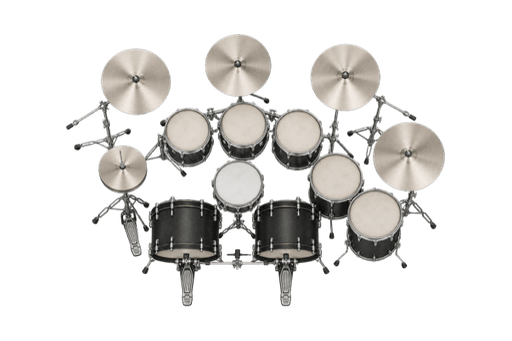
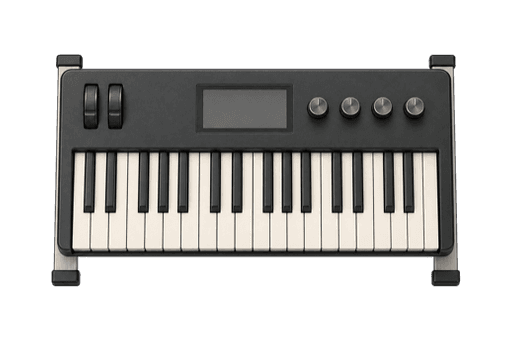
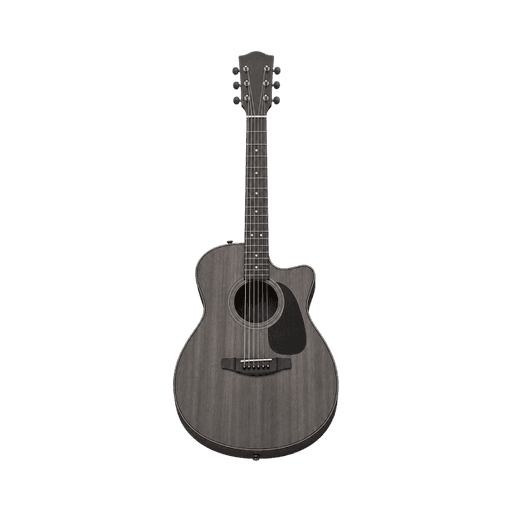
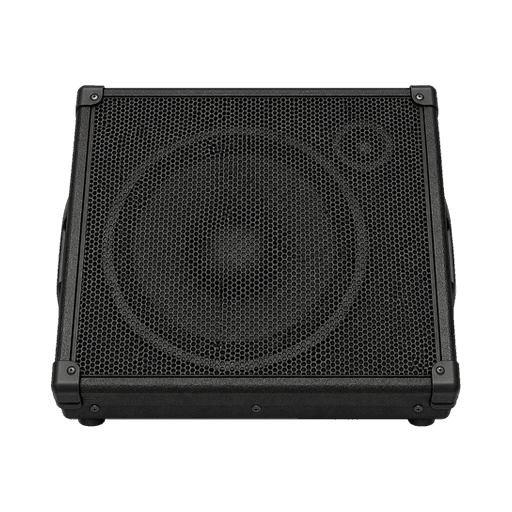
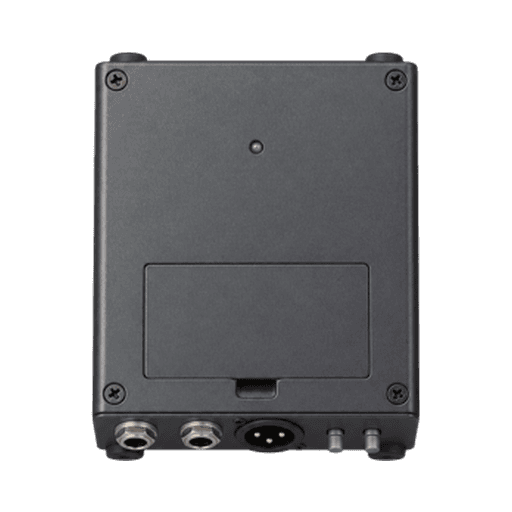
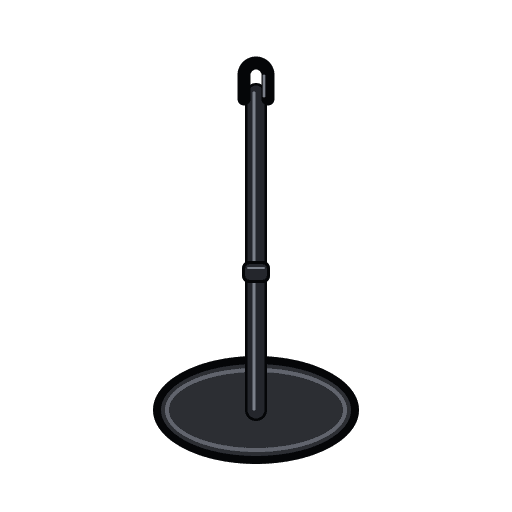
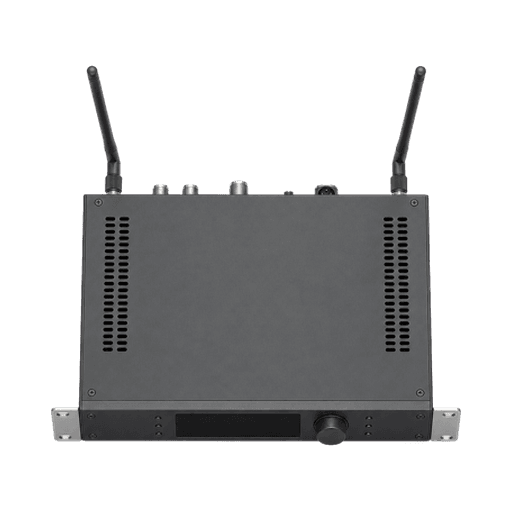
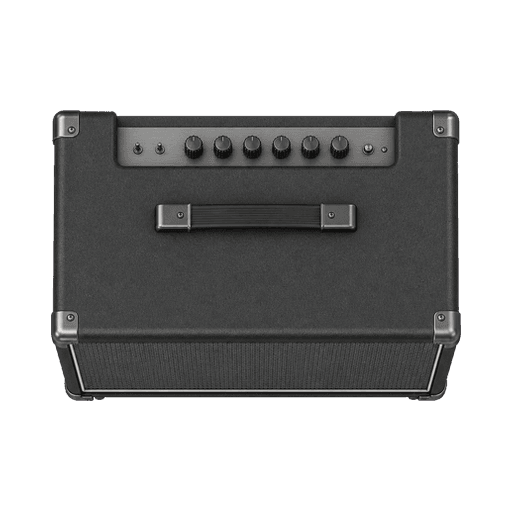
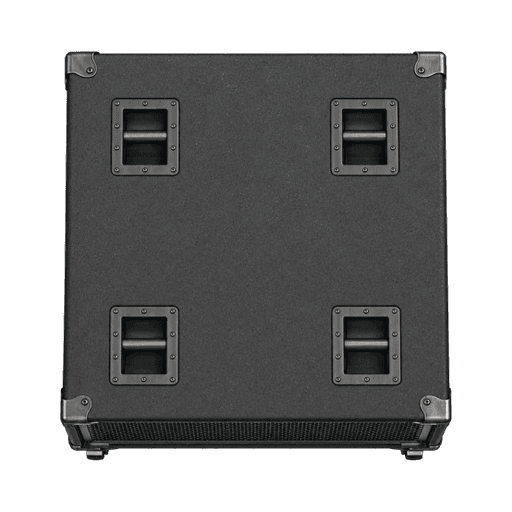
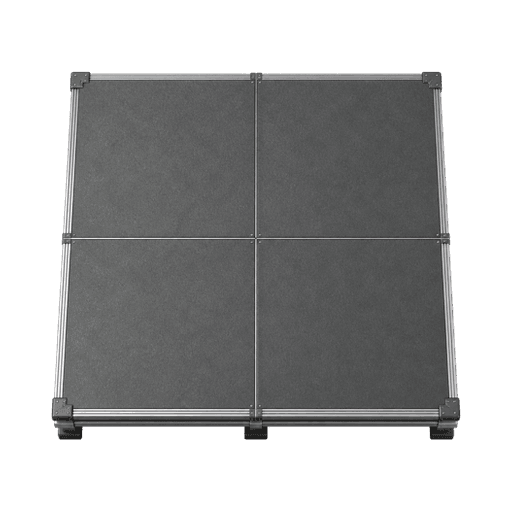
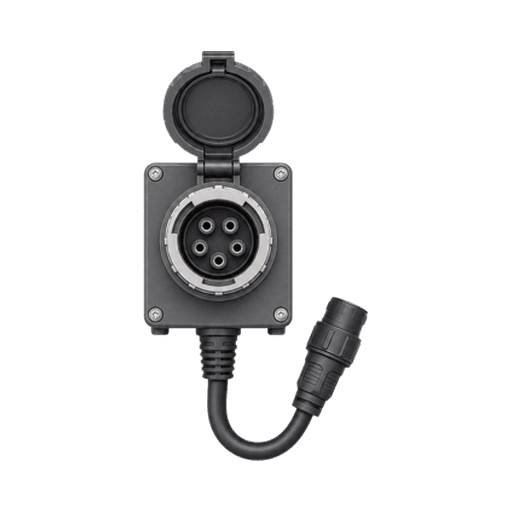
Use a legend for custom artwork, abbreviations or colour coding. Common symbols still need labels when position alone does not explain the source, owner or requirement.
Build the working document on your computer.
Stage Plot Forge keeps the visual plot, production lists, notes, and exports together in one local project.
Download Stage Plot Forge